The operating system for Organizational Agents.
Anyone can build an agent. JoyStream lets teams build or bring them, earn trust through evidence, and operate them together in production.
Non-technical users create in plain language, while the organization gets the operating system underneath: lifecycle, authority, credentials, observability, Runs, collaboration, and control.
Building an agent is easy. Production is engineering.
People across Marketing, Sales, HR, Finance, IT, and Engineering can now describe the work they want done in plain language. But production agents require more than prompting—they need the software system underneath: ownership, lifecycle, credentials, approvals, observability, Runs, and operational control.
JoyStream separates what users see from what the organization needs.
Describe the work, and what emerges is a structured Organizational Agent—with lifecycle, evidence, and operational control—without asking the person who described it to assemble the engineering stack by hand.
Describe the work. JoyStream builds the system underneath.
Create an agent from recurring work, or bring an existing Agent, Skill, or Agent Plugin. Define the work, connect tools, Dry Run the behavior, inspect the evidence, and move toward production—while JoyStream turns your description into a versioned Spec and a predictable Recipe.
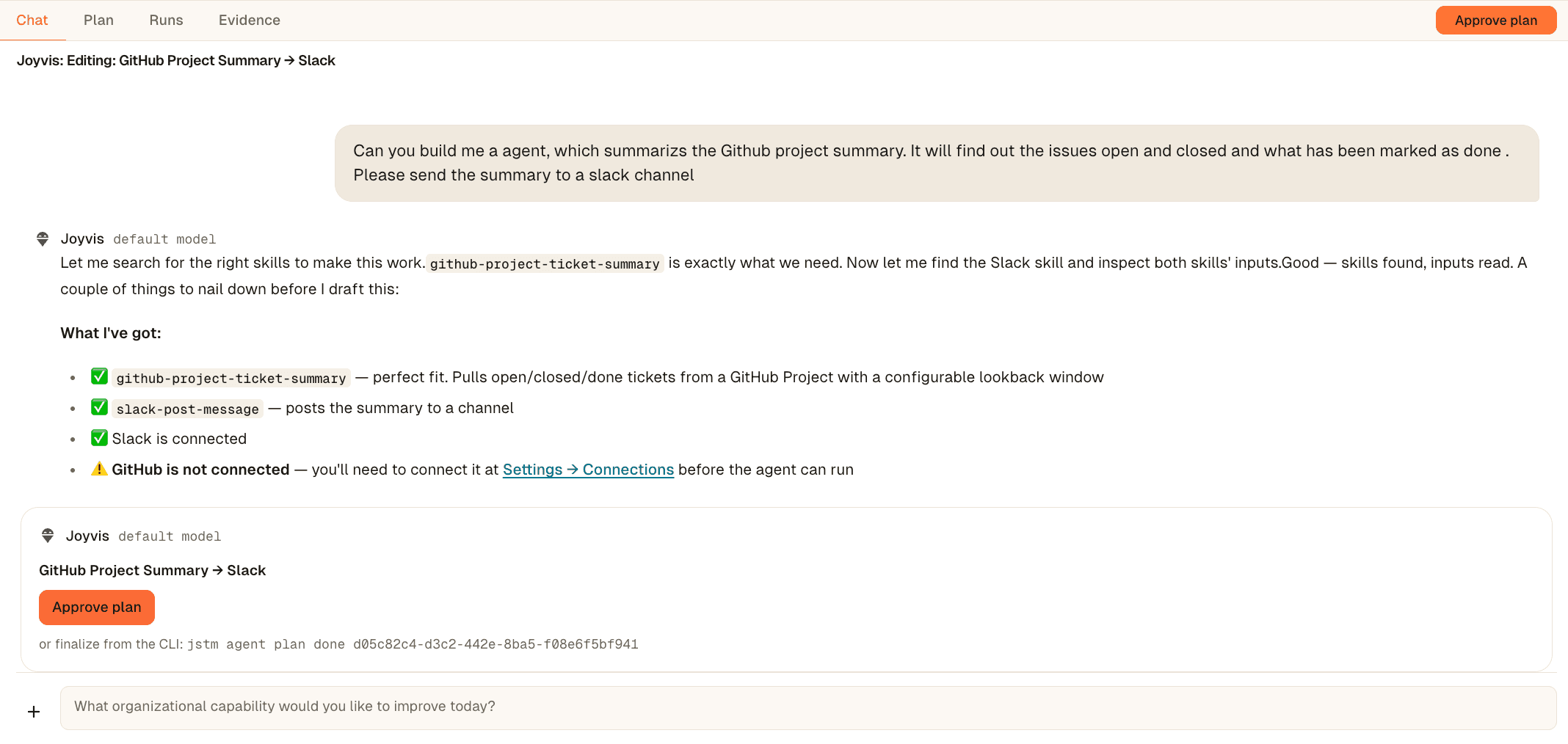

When a team depends on it, run it like production software.
JoyStream manages the full lifecycle—lifecycle state, production Runs, semantic tickets, failures, approvals, intervention, performance, and evolution over time. Make and Operate are one switch, one lifecycle.


Agents earn authority through evidence.
An Organizational Agent earns its authority—it doesn’t jump from prototype to production on confidence alone. Dry Runs establish intended behavior. Pilot provides bounded evidence. Live authority increases when the organization has enough evidence to trust it.


Every run becomes accountable organizational work.
Each execution turns into a semantic ticket your team can read: what the agent attempted, what completed, what failed or blocked, which tools it used, and where a human needs to step in.
Dry Run shows what an agent intends to do. Runs show what it actually did.


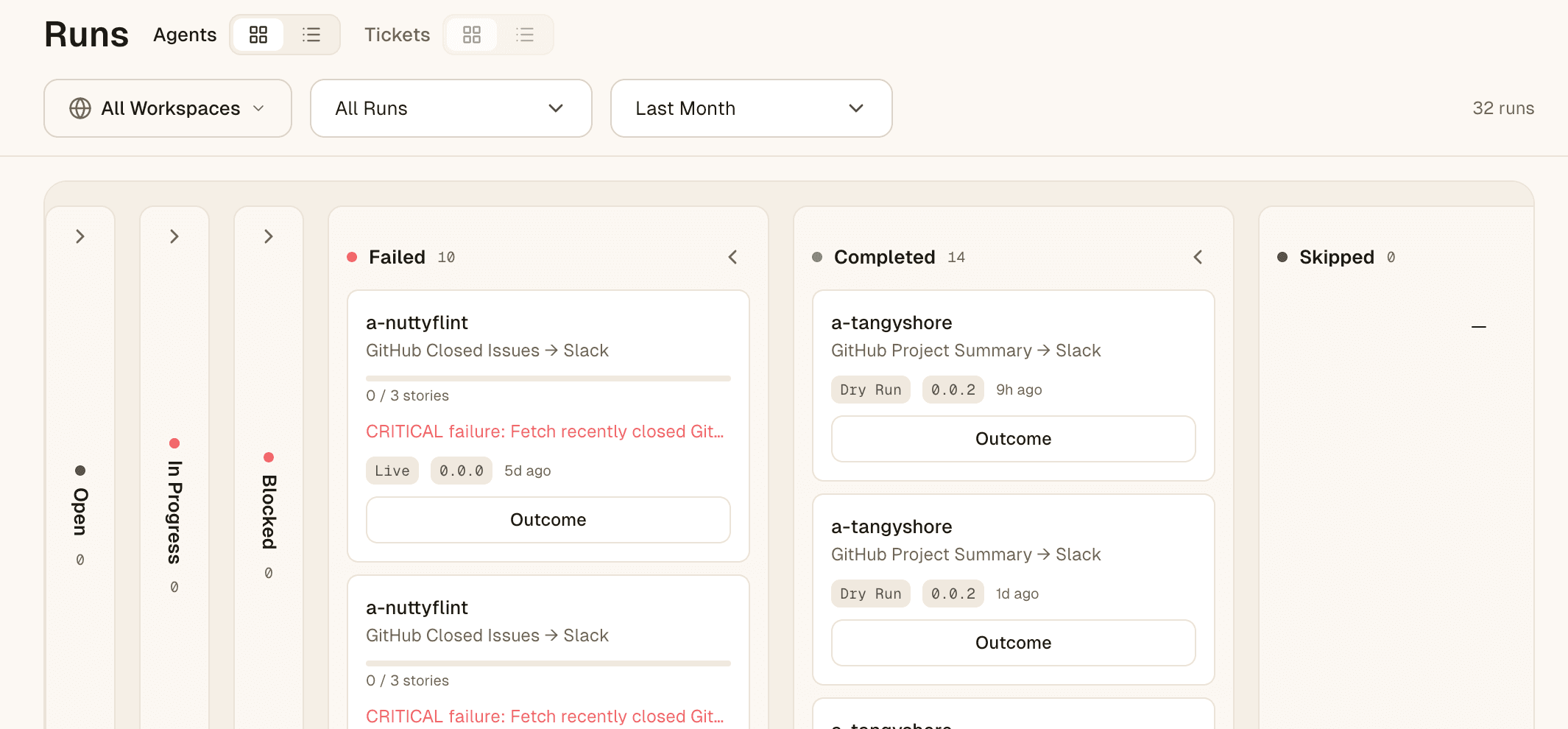

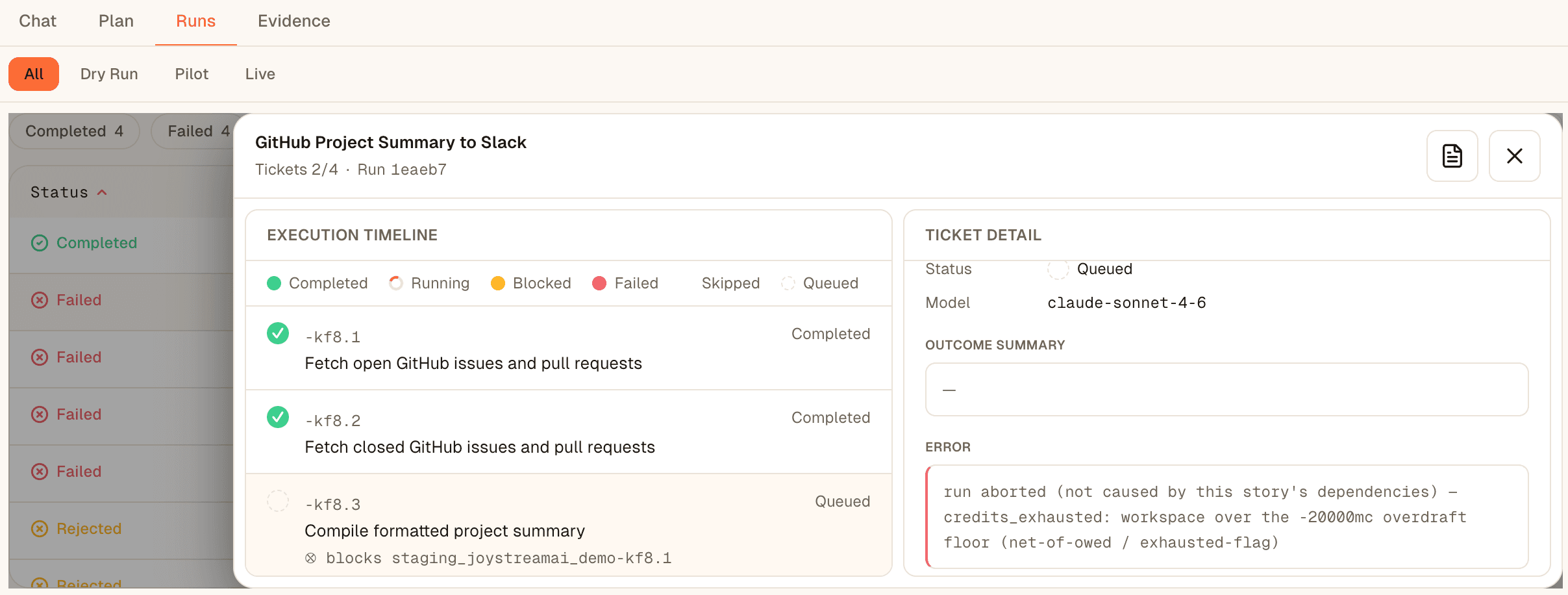

Built, operated, and owned by teams—not individuals.
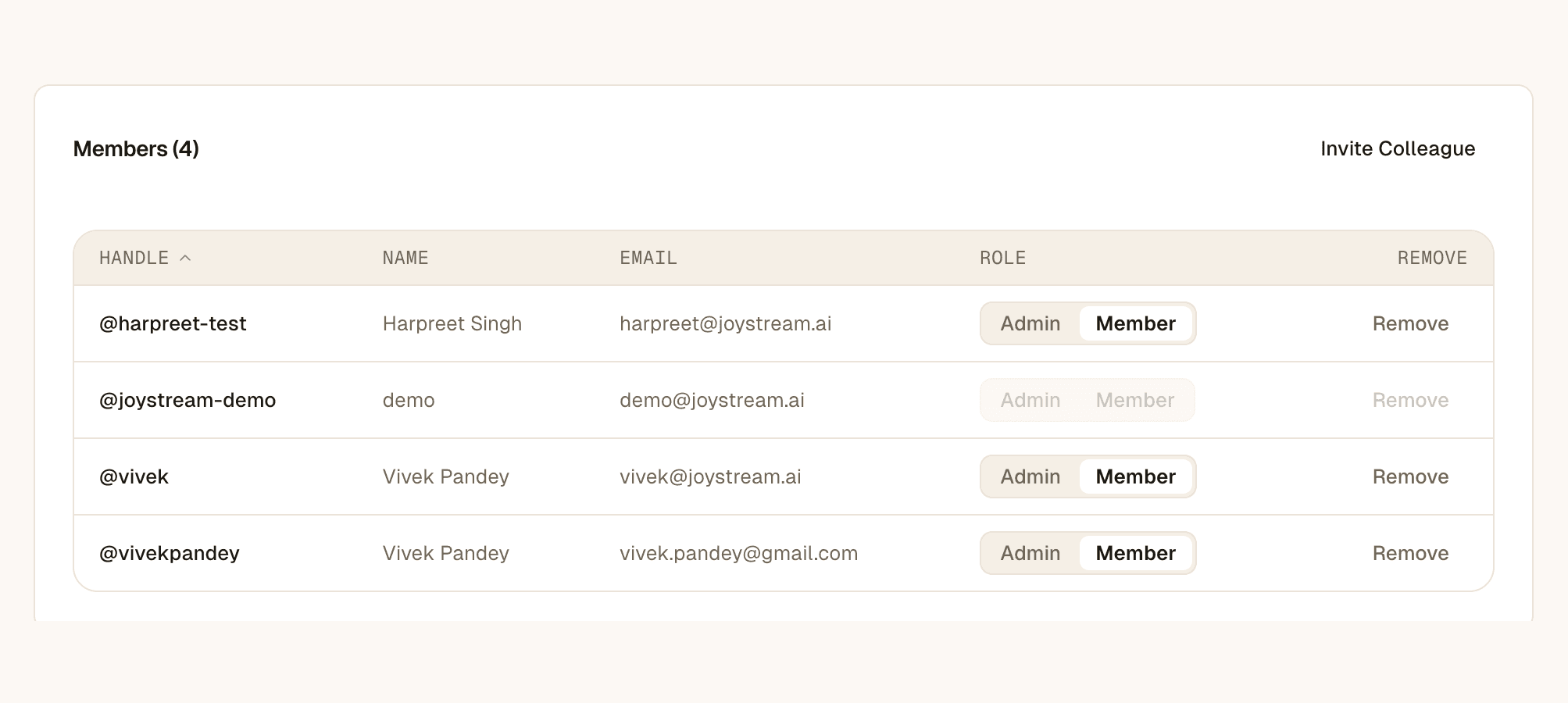
Organizational Agents live in shared Human + Agent Workspaces. Teams own them together, approve what moves to production, and keep visibility into the work agents perform across the organization.
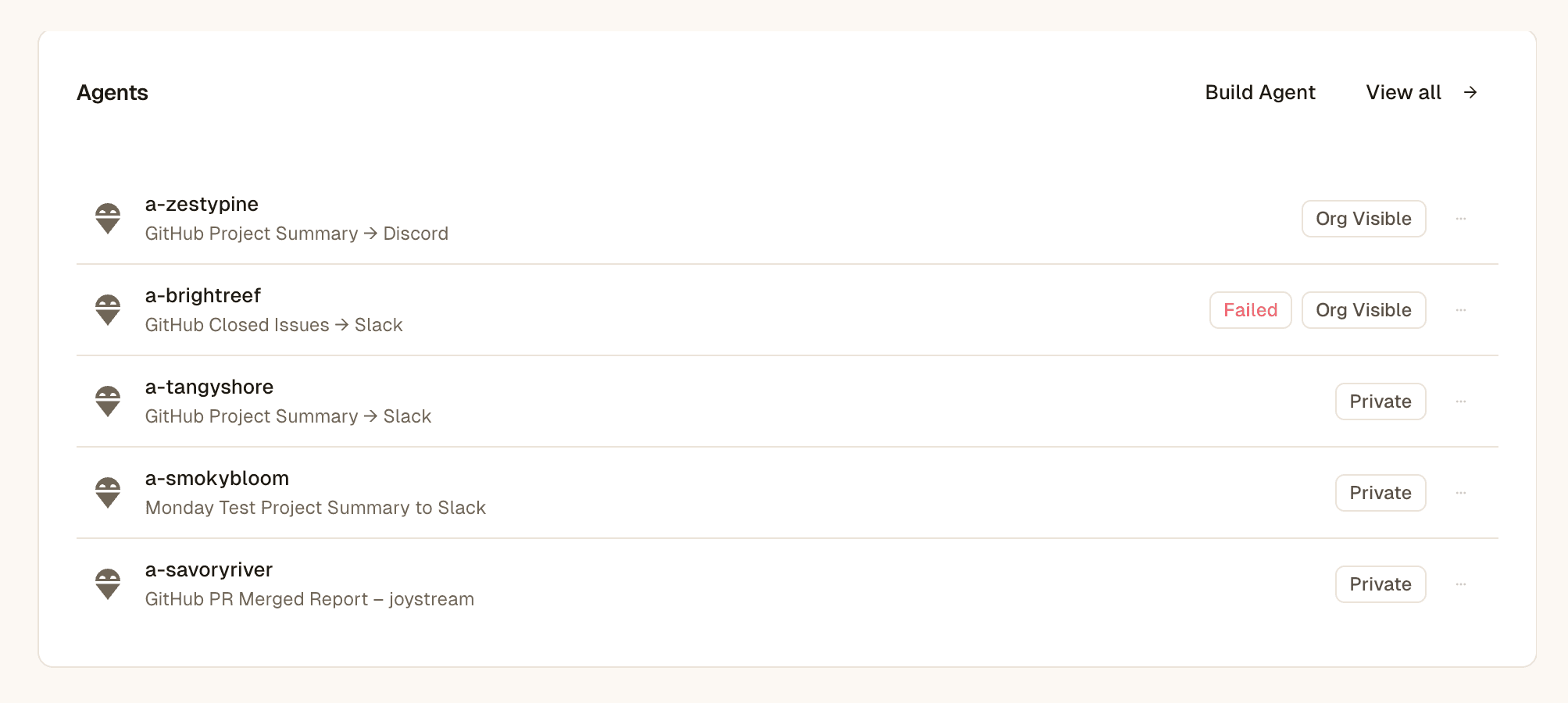


Working agents. Adopt one, or contribute your own.
Bring the Skills, Agent Plugins, and Agents you already use, share them across your organization, and adopt what other teams have built—every one through the same trusted lifecycle. This is where reuse becomes real.
Give agents access. Keep the organization in control.
One control plane for the connections, credentials, authority, and tool activity your agents depend on. Agents get permission to act. The organization keeps the credentials, the scope, and the record.
Anyone can build an agent. JoyStream makes it organizational.
Start from recurring work, an existing Agent, Skill, or Agent Plugin, and get the operating system that makes it trustworthy, operational, and reusable in production.